With a little help: The Nesting Tree

Yes, with a little help we can accomplish what we thought we couldn’t. One of the reasons I bought a mirrorless camera was the need for a lighter camera. I could still hold my Nikon D7100, but with some lenses it was getting heavy, and I’m not getting younger. I currently use my Nikon for two types of shooting: ultra wide and telephoto.

The last time I tried shooting with my Nikon and an old prime (meaning metal casing) 300 mm, my photo buddy Ray saw I was having difficulty holding it steady. It was more than that, I couldn’t hold it steady. So, he made me a short monopod to anchor the lens.

I wanted to show him what I call the nesting trees in Lincoln and he wanted me to try out my new small, hand-held monopod, so off we went. And guess what, it worked. With just a little help from my friend I can now use a telephoto on my Nikon. If I ever get a telephoto for my Fuji, it would also help. The birds were across a small gully and a stretch for any 300 mm lens, but I was able to photograph them and really crop in.

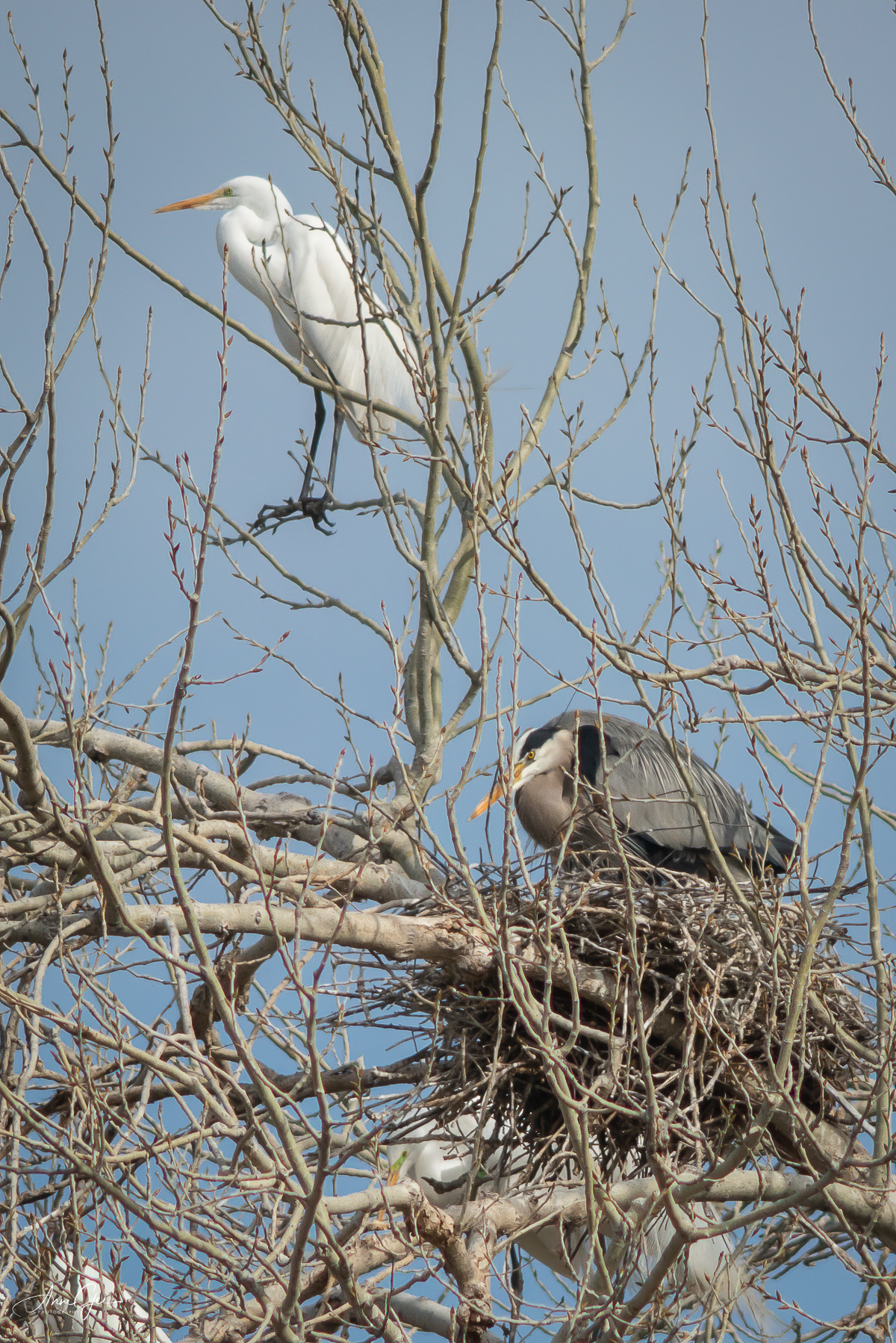
The second bit of help also came through Ray. He let me know that Topaz was having a sale. Now I can’t resist a sale, can I? I bought Topaz Sharpen AI and DeNoise AI. I used Sharpen AI on all the birds and it was amazing.

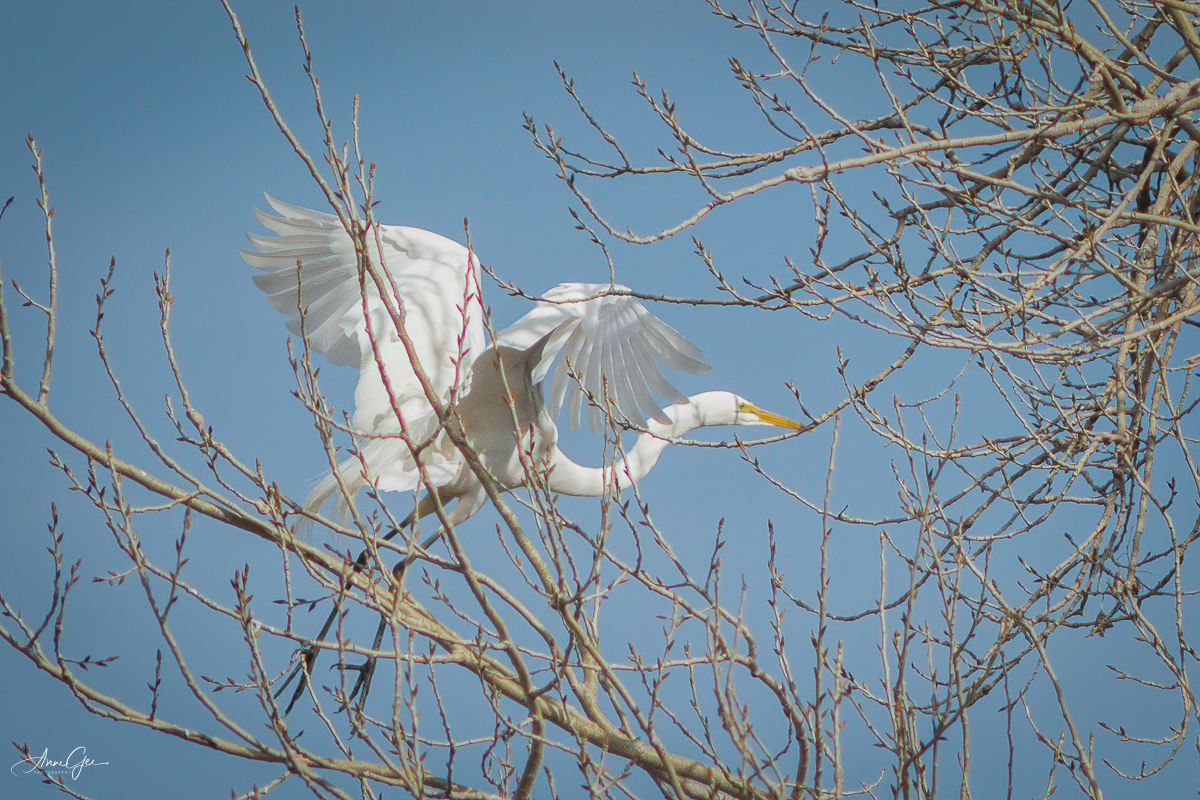
We didn’t stay long. The egrets’ and herons’ mates were not flying back with food/nesting material. But I was able to get a shot of one flying in without branches and twigs in the way.
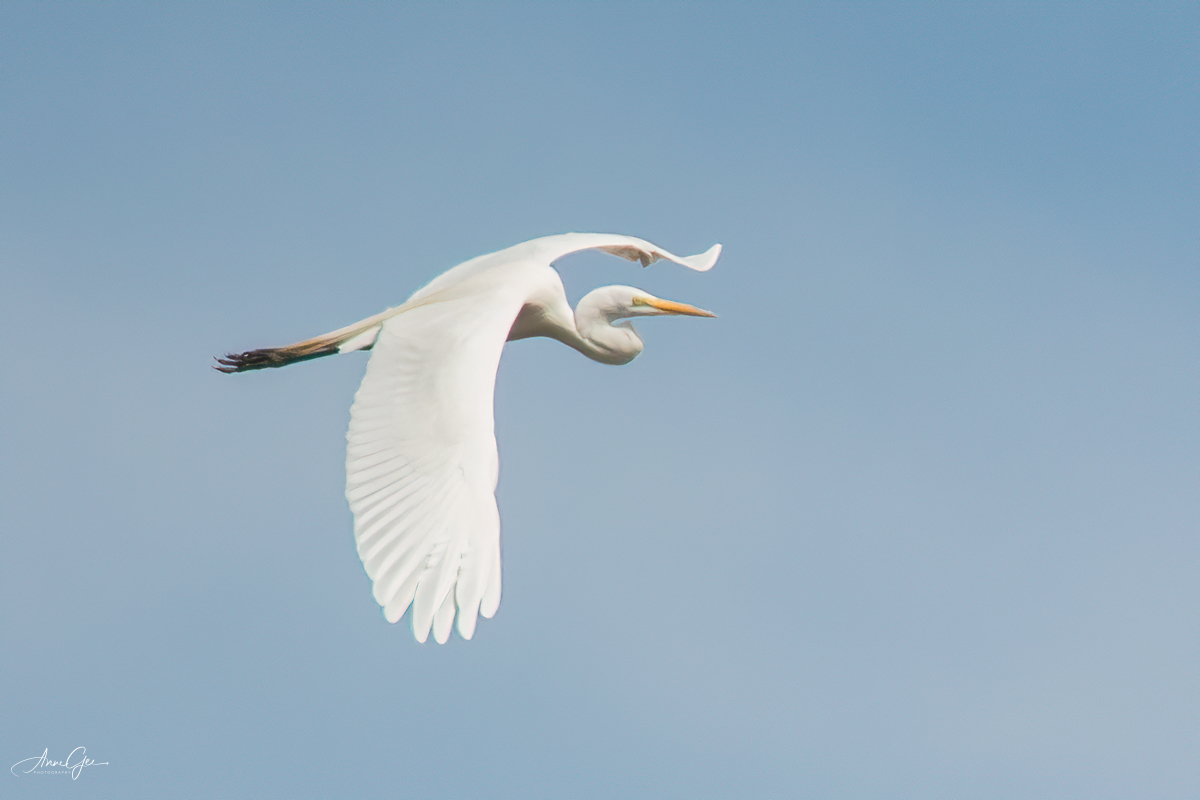
I’ll be going back to the nesting tree with my new monopod soon! Thank you Ray!!
Lens-Artists Challenge #134: From Forgettable to Favorite

I admit it, I’m lazy. I totally enjoy spending time taking the photo, but not processing it. This week Tina has challenged us to show how we’ve turned our “forgettable” photos into “favorite” images.

Well, here’s another problem. Once I get an outing’s photos into my desktop, I delete the ones I don’t like and just process the ones I do like. So, for this challenge, I’ll show a before and after with how I edit.

Going back to my being lazy, I mostly rely on Lightroom (LR) and presets in NIK and De-noise in Topaz. Photoshop allows me to take out unwanted stuff with the spot healing brush and also replace skies. It might be more that I don’t prioritize learning more.

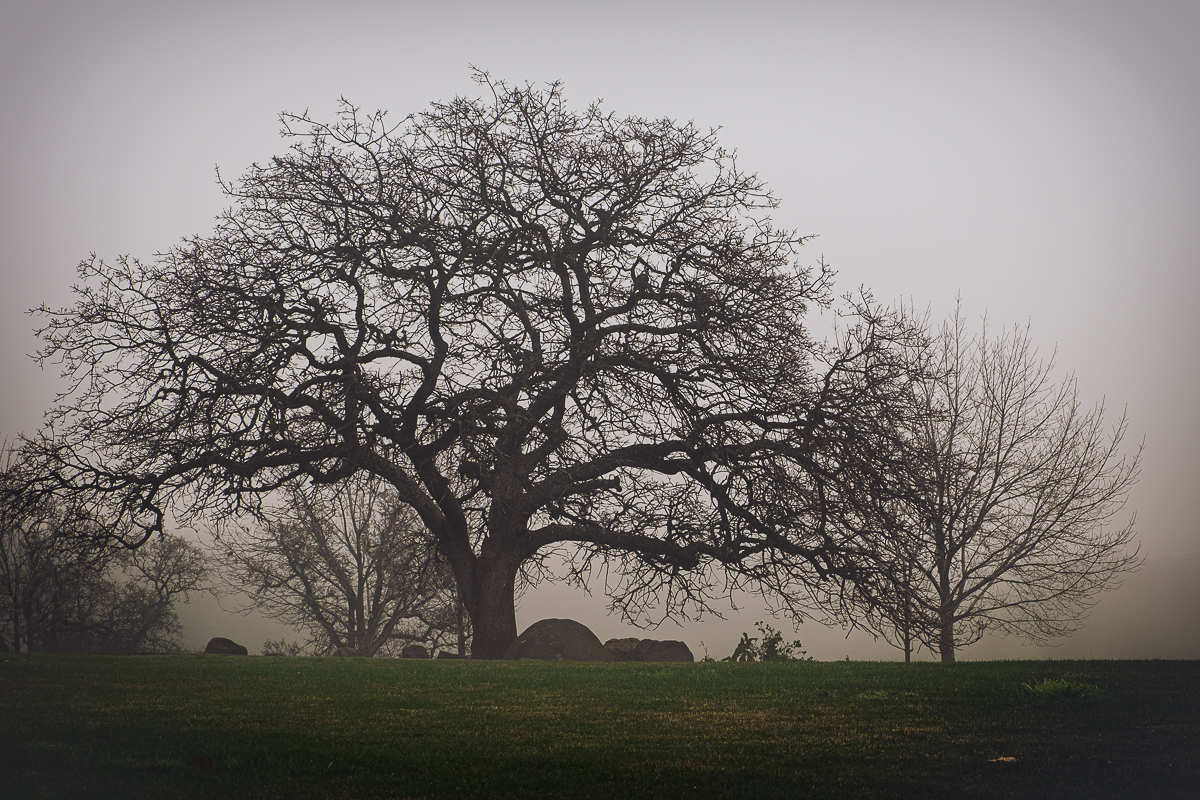
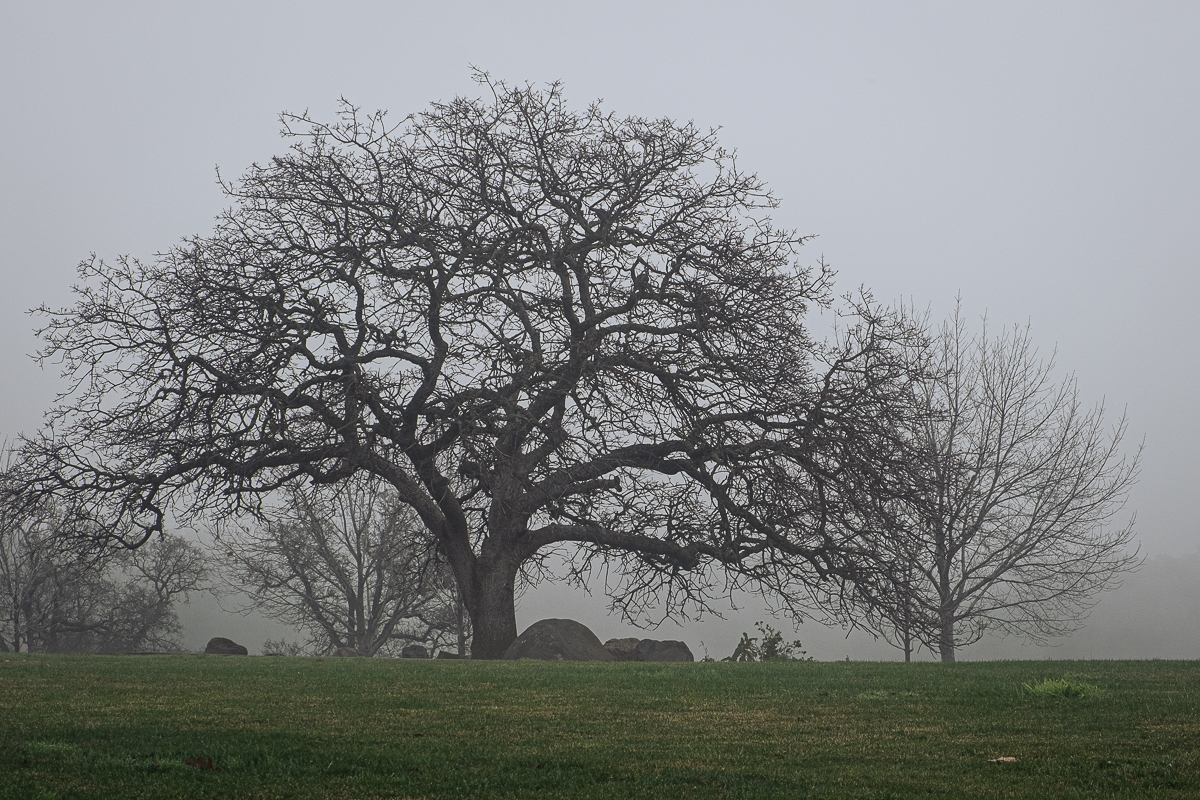
My examples were taken last month. This tree was taken on a very foggy morning at Boulder Ridge Park. I did basic editing in LR, working with the highlights, shadows, whites and black sliders. I then put into NIK Color Efex and used the detail extractor preset to accent the tree. I wanted the tree to stand out more. Before is on the left as you look at your monitor. After is on the right.

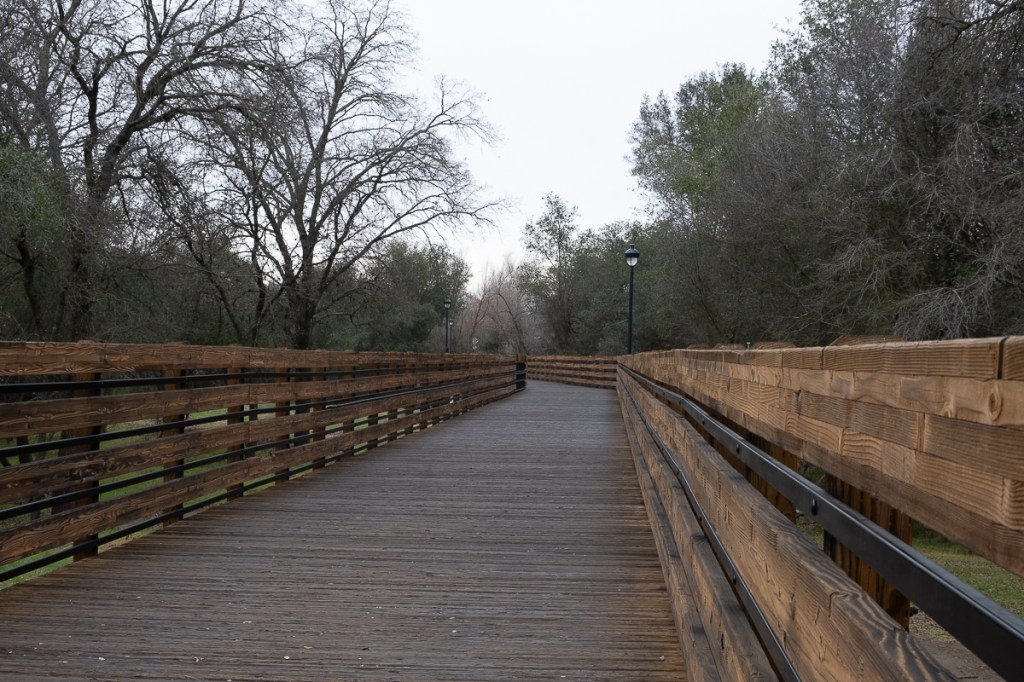
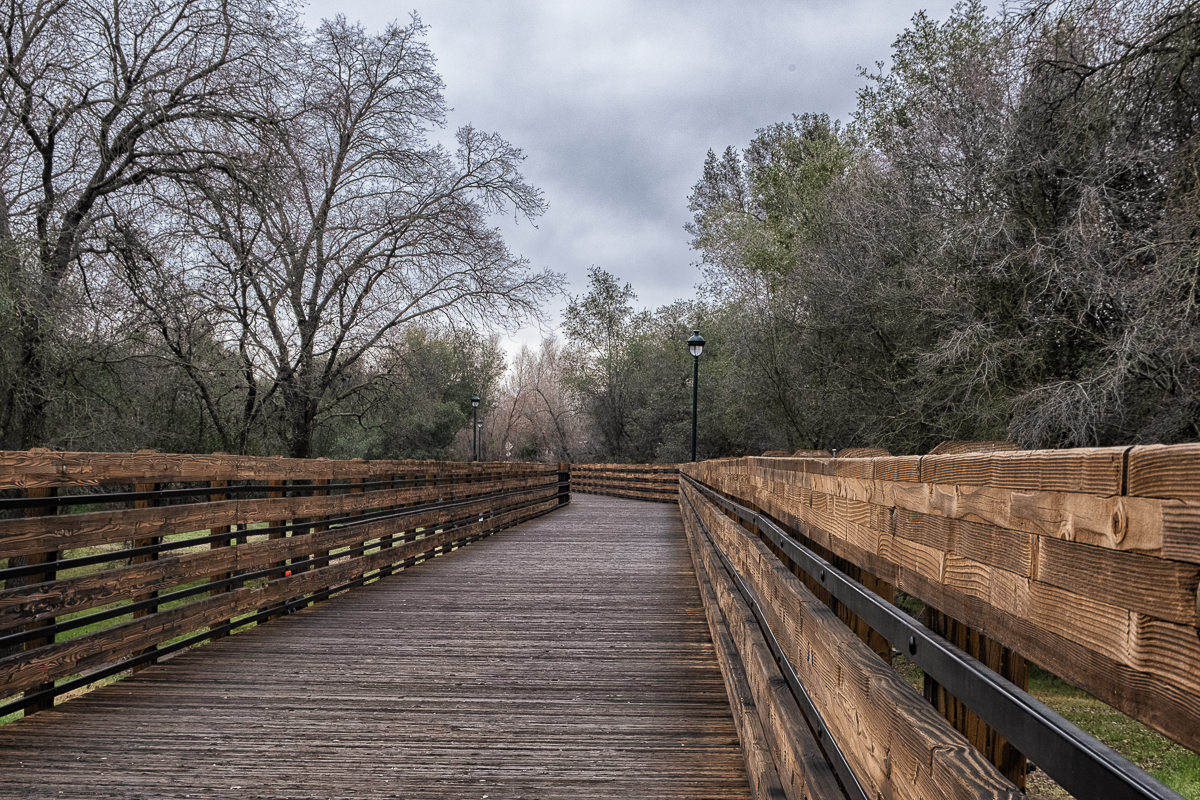
This next one is the entrance to Stock Ranch Preserve. Although they are not exactly the same image you can see the difference the my edits in LR and Color Efex accomplished. Here I used LR sliders to enhance the orange on the fence and Color Efex to bring out the details and enhance the sky. Of course, all my images get the crop treatment.

This is on the way to Folsom Dam. Again not exactly the same image, but a good example of what I began with. I worked with the shadow and black sliders in LR and the tone curve. I brought it into Color Efex to bring out the sky and clouds. When in Color Efex, I use the sliders also. However, I haven’t mastered the control points.

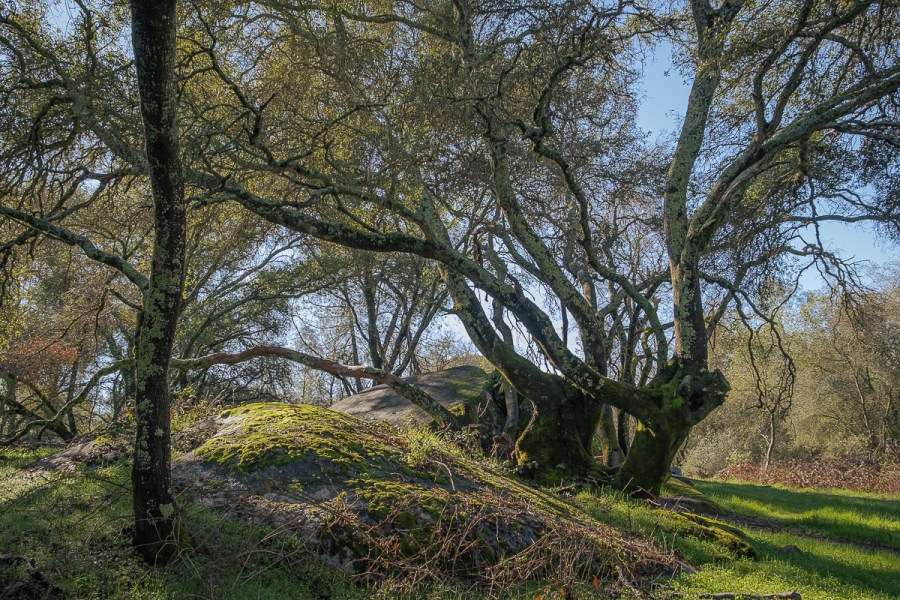
This last image is of trees along a portion the Miner’s Ravine Trail. I love trees, especially when they have lost their leaves. They are so expressive. Again, the same treatment in LR and Color Efex. I also cropped the tree that seemed to be in the middle. For this I wanted to lighten up the tree trunk, keep the tree shadows and highlight the sun. Color Efex brought out more detail.

I know I can do more with the editing programs I have. Will I prioritize the time to learn. I hope so.