
It seems like I’m always confessing in these LAPC blog challenges. Well, here’s another one. John has challenged us to show how we edit images. I don’t edit that much and use Lightroom most of the time. I’ll go into NIK, Topaz and Photoshop for minor help, but that’s about it. It’s not that I’m against other editing programs, I’ve just never taken the time to learn them.
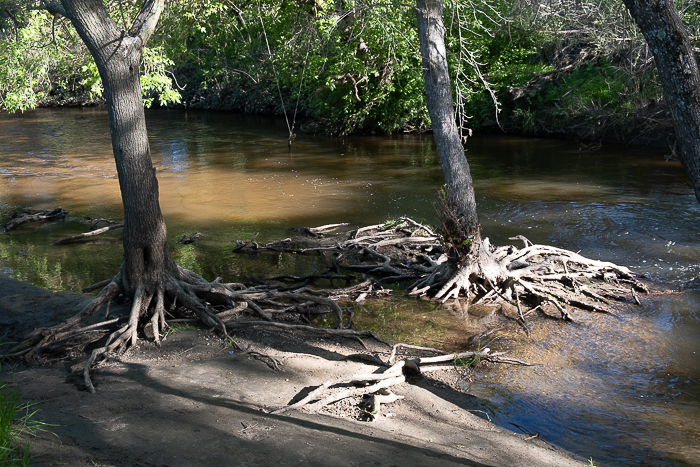
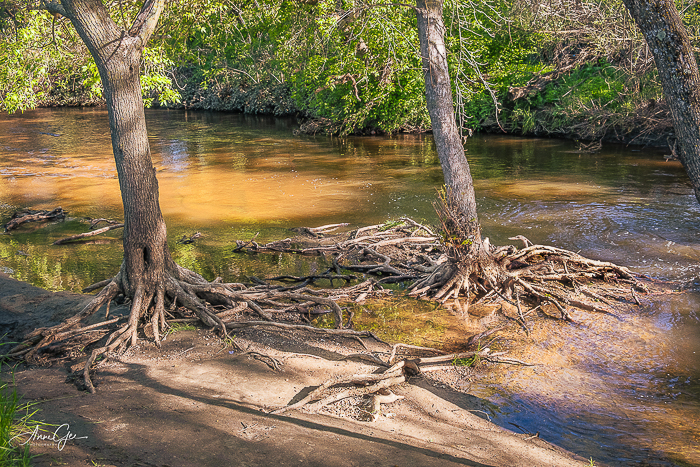
With that said, here’s my first image before and after. This was taken recently at Dry Creek in Roseville. The sun was bright and the trees provided shade, but not all the way. This resulted in roots that were bright and dark. The editing was done in Lightroom with the adjustment brush to burn in some of the roots. Then I toned down the shadows and brightened the image a bit. Then I intensified the color with the orange color slider. Original is on the left and Edited one is on the right.
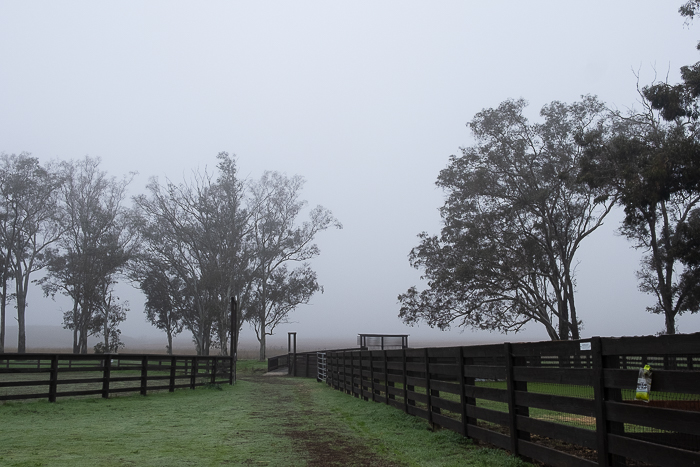
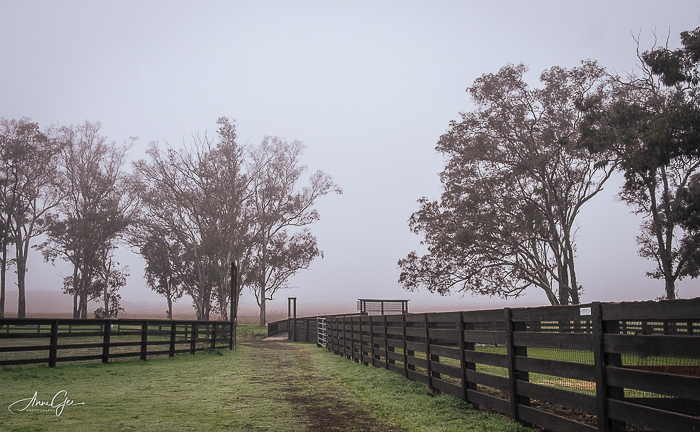
Next is Rush Ranch taken in January. It was a foggy day which didn’t bother me. I love the mood fog gives an image. But it can leave it dull. In this one, I brightened it with the tone curve, added more contrast, did a sky select and used the blue slider to accent the fog. In Photoshop, I removed the insect trap on the right. I use Photoshop when I want to remove something from a picture.
This flower was photographed last month at Jensen Botanical Garden. I cropped the photo to make the flower larger. I also lightened the background a bit and used the Lightroom sharpener for good measure.

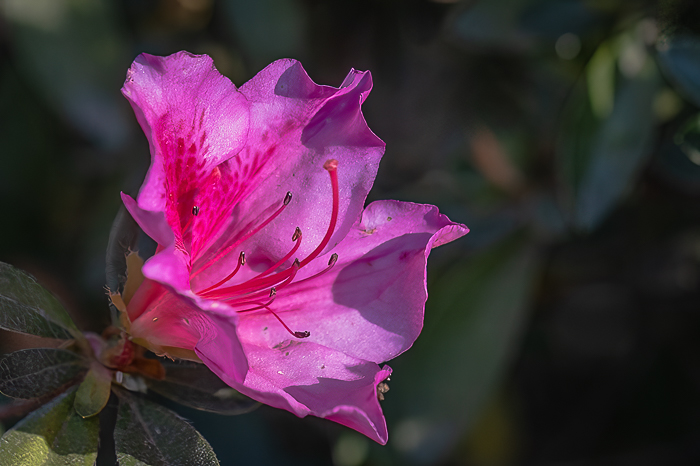
I believe composition is most important. Sometimes I photograph a tight composition and sometimes I give enough room for me to finish composing in editing. My first two examples were framed tight in the camera and this one wasn’t.
Thanks John for having us think about how we edit (or not), and how we can learn from how others edit. When you respond, please link to John’s original post and use the Lens-Artists tag. Last week we had fun with Sofia’s Water in Motion challenge. I enjoyed seeing all your various responses. Dawn is presenting next week’s challenge so look for her post.
Have a great week and take care!







 Slow Shutter Speed