My world is definitely black and white today, or should I say gray. We have a dense fog that just won’t lift. So I guess the time is right for Ritva’s black and white (B&W) challenge.
I enjoy black and white photography. However, the environment has to be right. Sometimes when I’m out with my camera, I know the timing is right for B&W images. Other times, I see the opportunity during the editing process.
However, this week Ritva is combining minimalism with B&W. Now that’s a challenge! I was surprised going through my archives that I had quite a few images that met those requirements. Because my back is just not liking today’s damp weather, I’ll make this a short post. Here’s some of what I found.
Thanks Ritva for this challenge. When you post your response, please link to Ritva’s original post and use the Lens-Artists tag. Last week I had so much fun seeing what you found Around the Corner. Next week Egidio will be leading the challenge. In the meantime, stay safe and be resilient.
When I compose a photograph, I don’t think color or black and white. That time comes during processing. Since I mainly use Lightroom, if I think there’s enough contrast, I will use the black and white button in LR just to see what it would look like. If I like it, then I process the image using LR and Silver Efex.
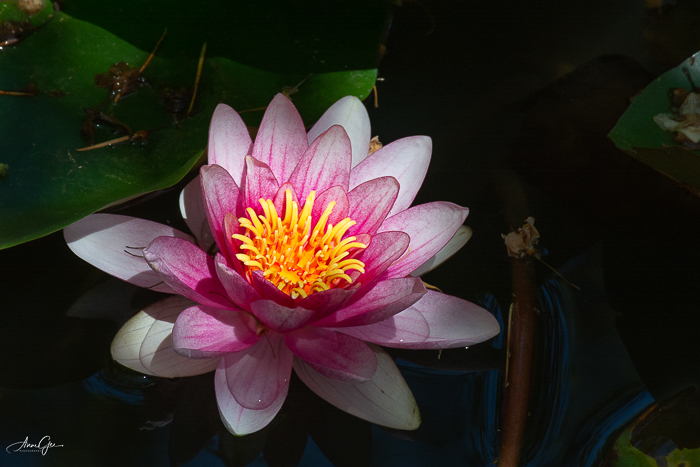
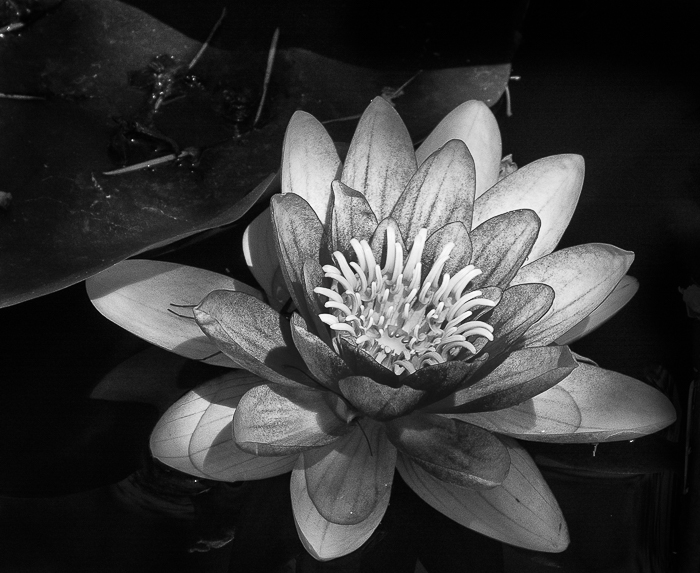
I photographed this water lily and wondered what it would look like in B&W. I liked the drama that was created and finished processing in Silver Efex. Do you think the contrast in the leaves makes up for the loss of color?
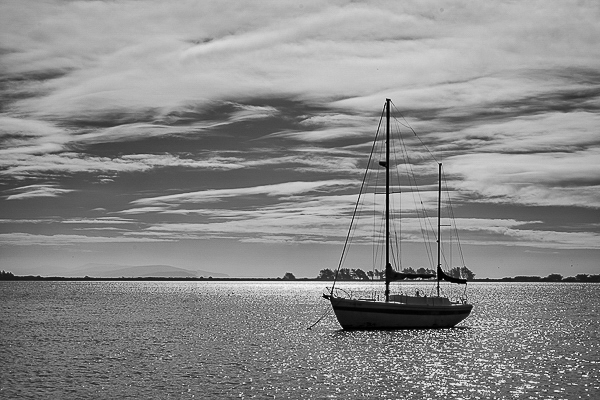
Sometimes, an overcast day presents an almost B&W image on its own. This was taken in Bodega Bay on the California Coast. I thought the dark boat, clouds and light shining on the water created enough contrast for a B&W image. But then the color image looks right also. What do you think?
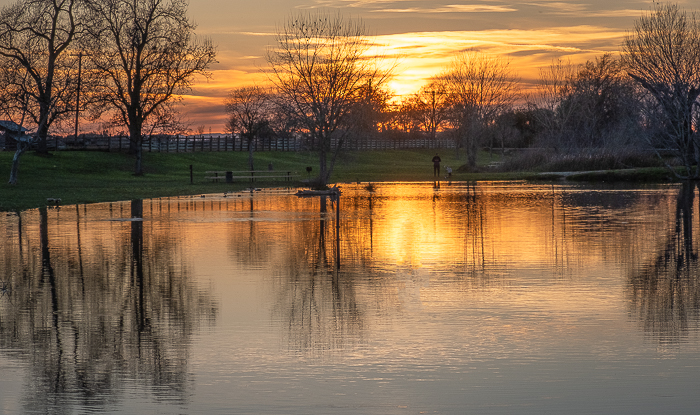
Finally, not knowing Patti was going to present this challenge, I challenged myself to a sunset in B&W. What would a beautiful, colorful sunset look like in monochrome? See for yourself.
I think the monochrome works mainly because of the reflection in the water. But is working good enough? What do you think?
This has been a great exercise Patti. Thank you! When you post your responses, please link to Patti’s original challenge and use the Lens-Artists tag. I’m anxious to see your posts. Last week, we saw a lot of dogs and cats thanks to Tina’s challenge. It was fun to see your pets and grand pets. Next week Ann-Christine will challenge us, so please look for her post.
In the meantime, be resilient and live in gratitude.
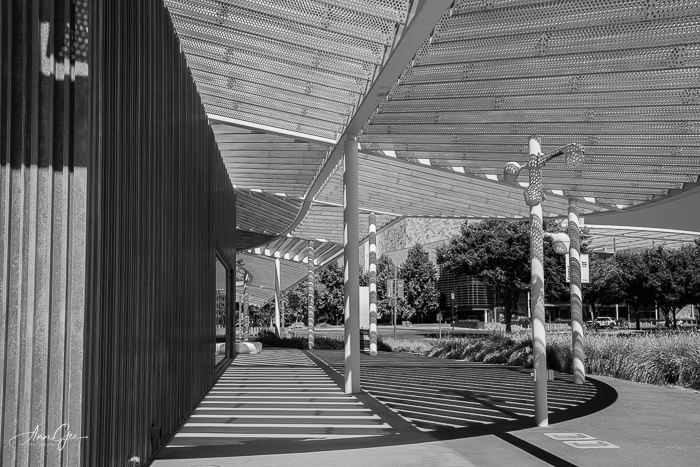
Here’s one for Leanne’s Monochrome Madness challenge. This was taken last week at the Maneta Shrem Art Museum in Davis. It is actually located on the UC Davis Campus. I love the building’s architecture. Depending on the time of day, you get different shadows.
I like the texture the high sun gives the shadows. Hope you do too.
Black and White allows texture to come to the forefront. It’s amazing how well we can see the texture in an image once we change it to monochrome. To be really effective there must be enough contrast.
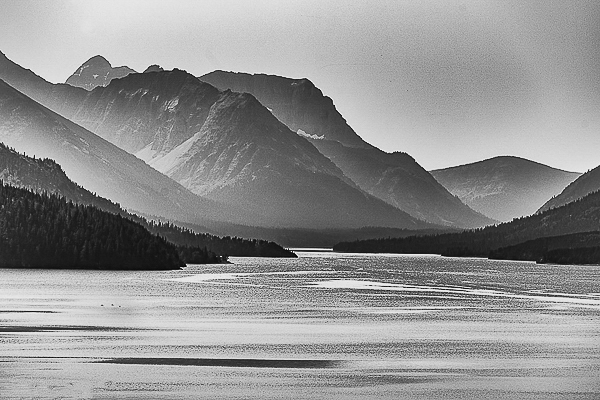
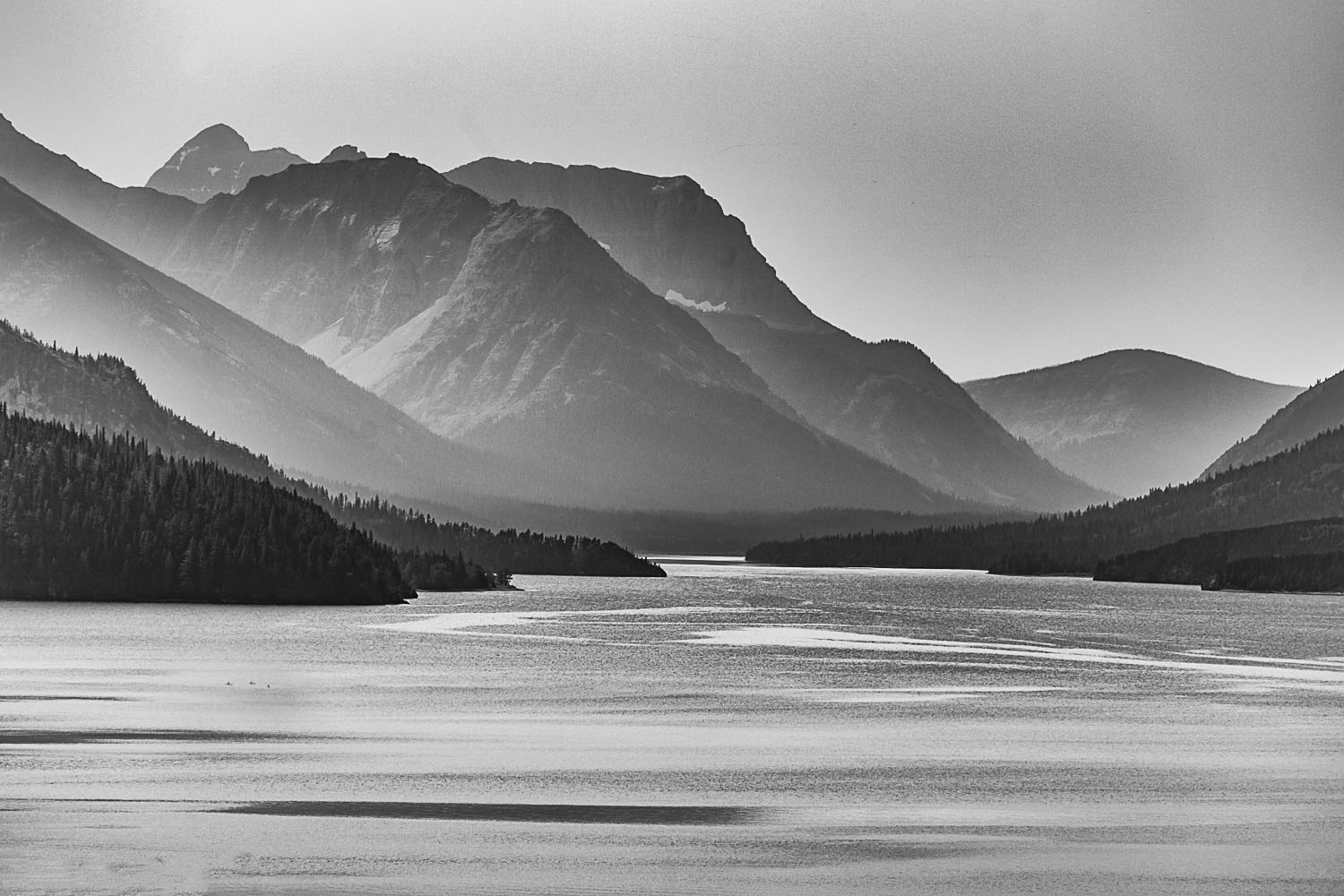
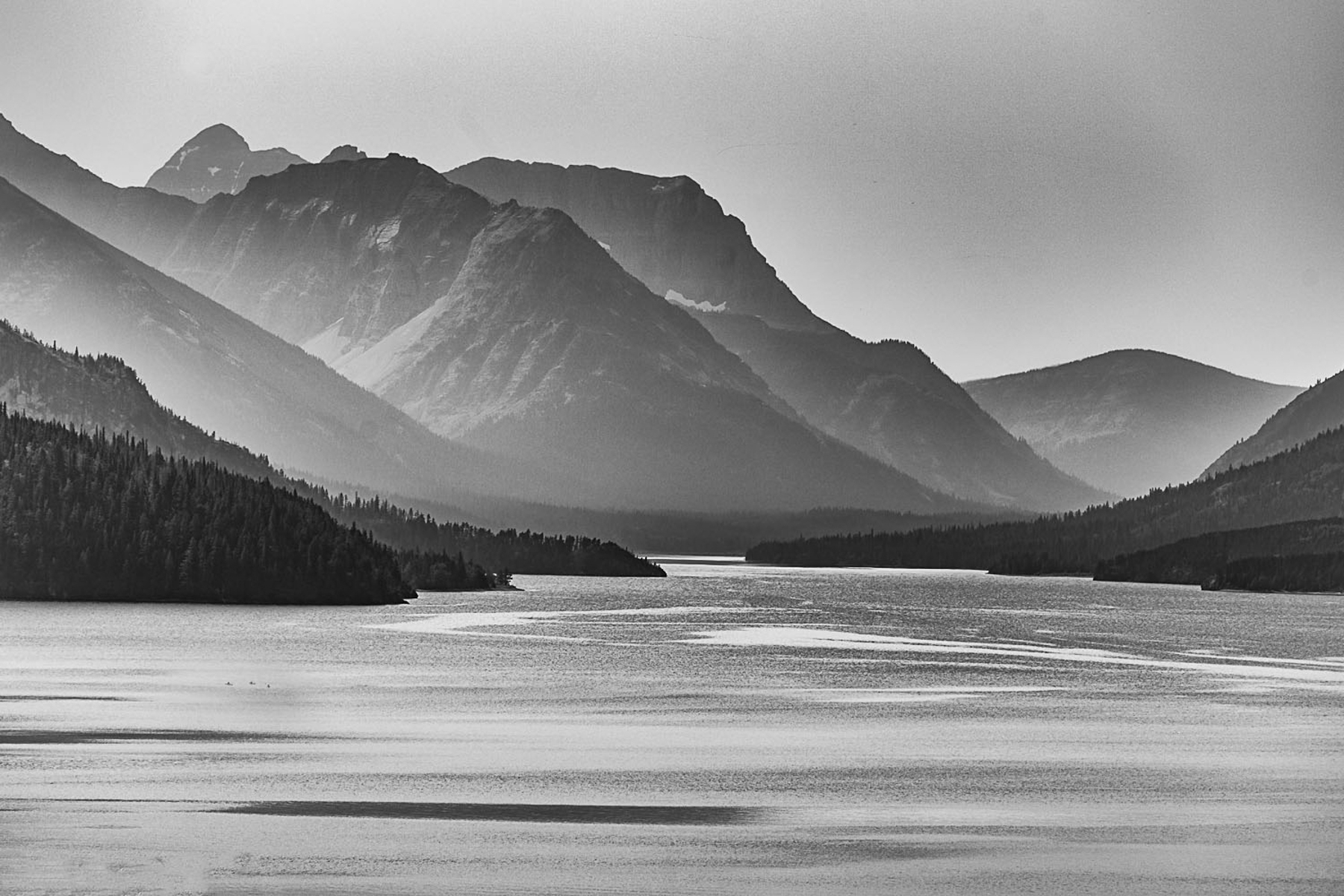
This picture of Lake Waterton in Alberta Canada was a pretty image. However, once I changed it to monochrome (I thought there was enough contrast.) I saw the texture in the mountains and water.
I am delighted to be your guest host for this week’s LAPC. Thank you John for getting us into/onto the water last week.
As much as I enjoy photographing water, I also love black and white photography! I don’t process a lot of it, but when I do I enjoy the texture and depth it gives a scene. It reaches a place in your soul that color can’t. Some images cry out for black and white.
This post is not a “how to” or history lesson, but a vehicle to get you excited about processing in black and white. As photographers, we all have our own unique way of doing that. Some shoot in black and white while others shoot in color and process in black and white.
I’ve watched many videos and attended workshops on black and white photography only to realize there is no set way to create a good black and white image. I have, however, settled on a workflow that produces the results I like. This is my workflow.
First, I always shoot in RAW and in color. That gives me more flexibility and more tonal range to work with. Very rarely do I see the image in black and white before I shoot it. I mostly see color until I get it into Lightroom.
This fog landscape I saw in black and white as I shot it. One of my rare moments.
Once I get my images into Lightroom, I process them in color. If I see an image with a lot of contrast, texture, and tonal quality, I finish the color processing and then look at it in black and white in Lightroom. If I see a possibility for a good black and white, I transfer the color image into Nik Silver Efex. This is where the fun begins.
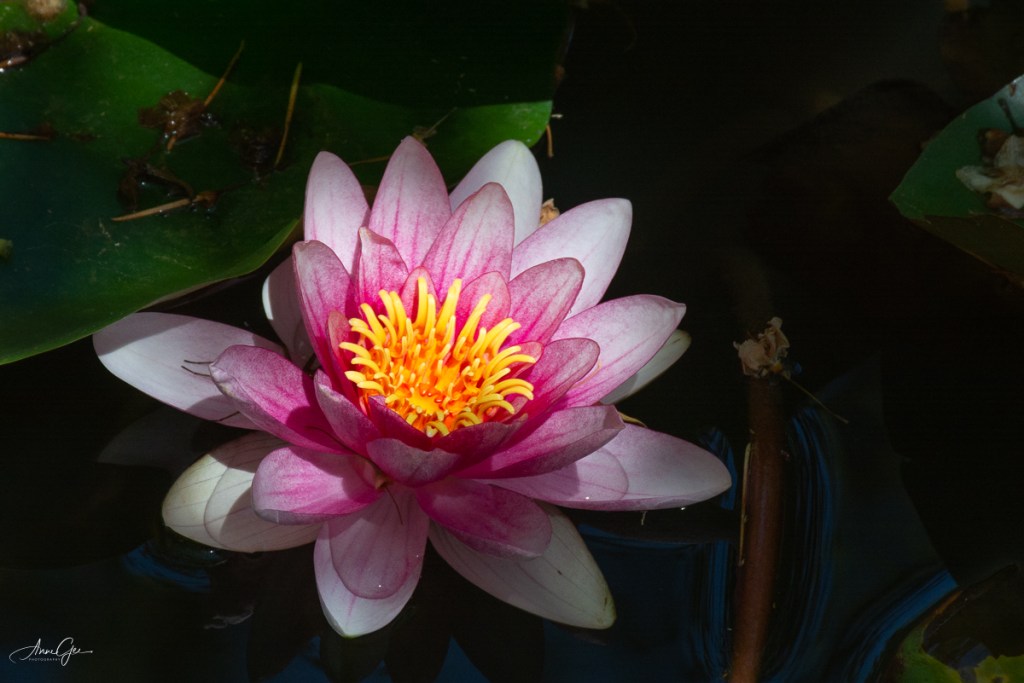
Here’s a lily in color and black and white. Look at how the various colors, contrast and lighting transfer in tonal quality to the black and white.
Although Photoshop and Lightroom have improved in their ability to process black and white, I still prefer Nik’s Silver Efex. I guess I’m just used to it and I like their presets. Better yet, I need their presets! I’m not an artist. I choose a preset and work on it from there. Nik also has the ability to use more than one preset on a single image. You can use the control points to dodge and burn (darken and lighten). I rarely do this but work more with the contrast and tone of the image. If you like different film effects, there are many film types and tones from which you can choose. Honestly, I don’t change film types but, sometimes, will give an image a different tone color.
This is the color version of Waterton Lake, Waterton Lakes National Park of Canada. A foggy day and not much color.
The same image processed in black and white. Adding texture and contrast, created a more inviting image.
While in Silver Efex you can also add texture and do other editing that I prefer to do in Lightroom.
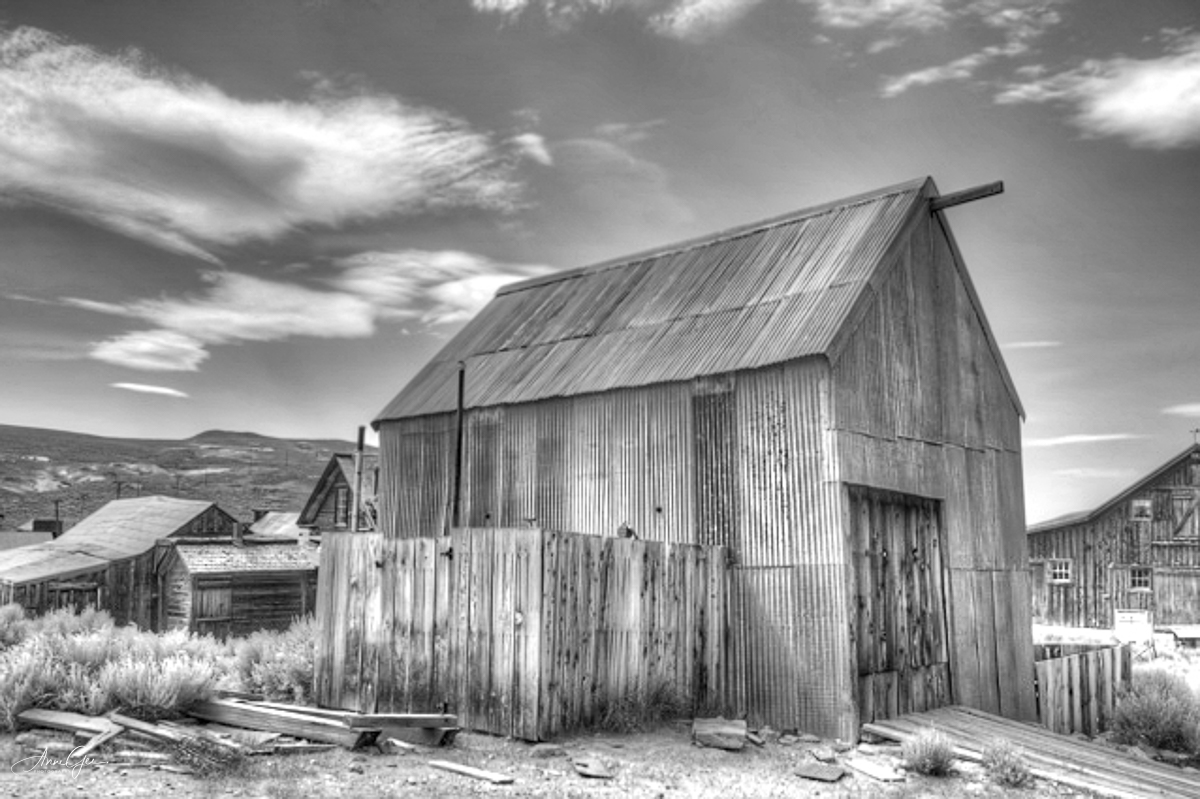
Sometimes the venue calls for black and white photography. One of my earlier black and white images taken while at Bodie a ghost town in Northeastern California.
Here’s another where I think the black and white conversion accents the splash of the wave on the platform. Taken in Pacifica.
Once I’m done in Silver Efex, I then export the image back into Lightroom for the finishing touches. I sometimes continue working on the contrast and light. I love how Lightroom’s tone curve helps with that. For me I like images to have some “pop!”
Also figures in shadow are accented in black and white. This image was taken at the Marin Headlands during one of my first Meetup outings.
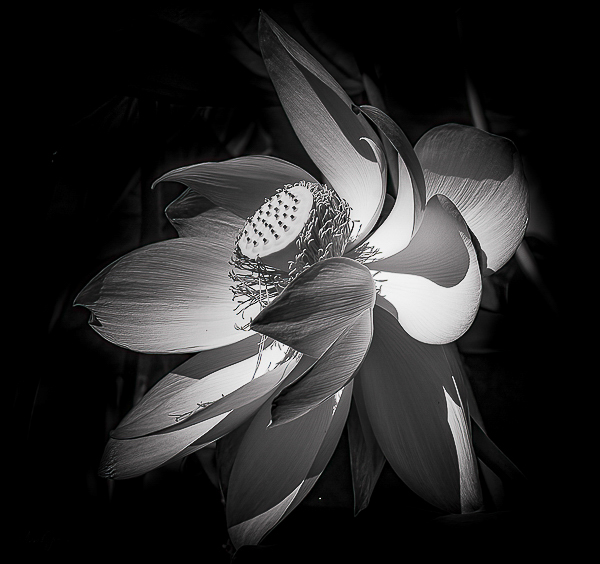
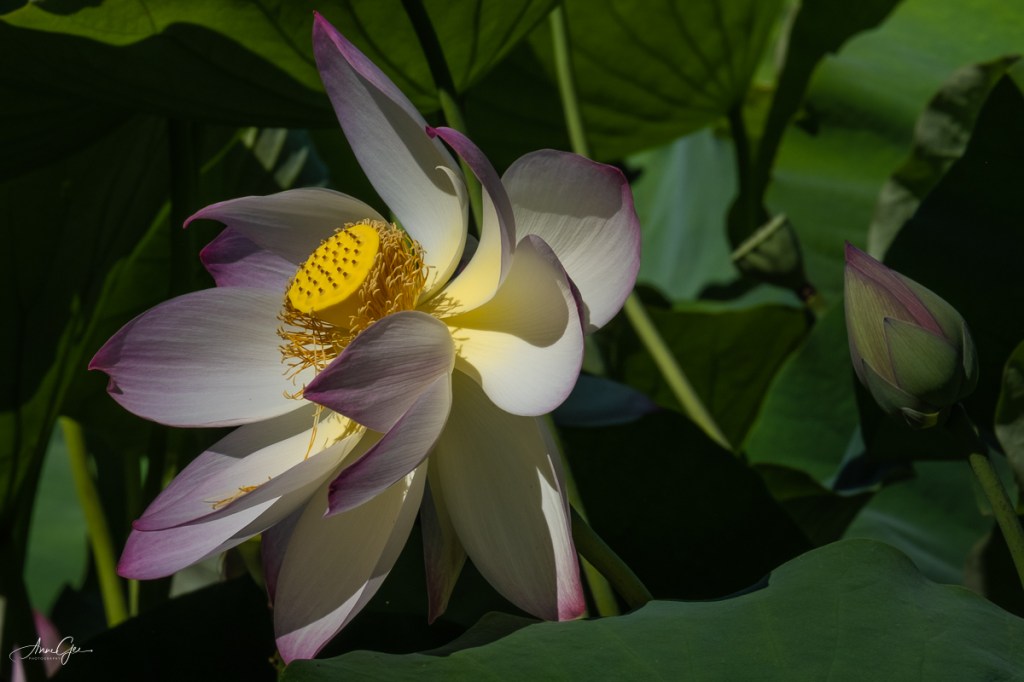
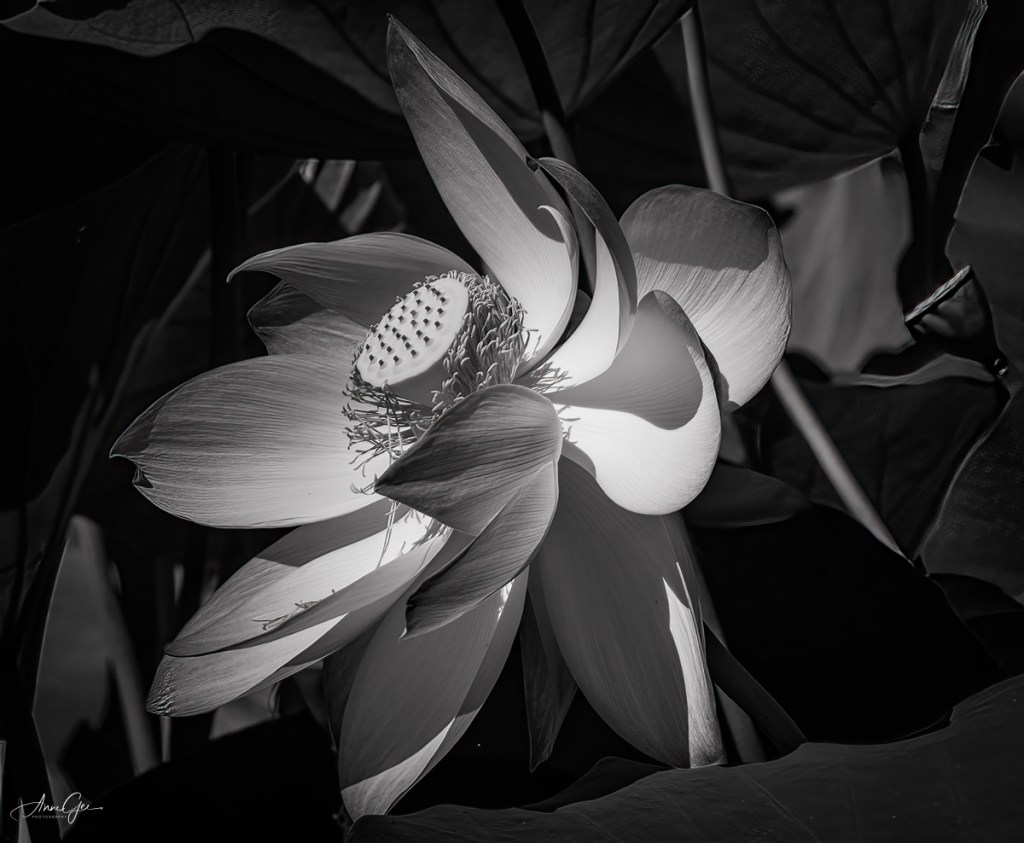
Back to the present, my latest black and white conversion is a lotus in the William Land Park pond. It’s beautiful in color, but how do you feel (Yes, feel it not think it!) about it in black and white? For me, the curves, contrast and lighting are accented.
So, this is my method for processing an image to black and white. I’m sure you have your own workflow for black and white photography, and I’d like to know what it is and see your images. This week’s challenge invites you to dig through your archives for black and white images or process color images in black and white. You can also take new pictures and process them in black and white.
As you post them, please explain how you processed them. This will help all of us learn new ways of doing what we’ve been doing for a long time. I hope you are now ready to see the black and white possibilities as you shoot and/or process.
Thank you, Tina, Amy, Ann-Christine and Patti, for giving me this opportunity. I do appreciate it!
Remember to link this post and use the Lens Artists tag. Next week’s challenge will be presented by Rusha Sams of Oh The Places We See: Getting Away.













 Slow Shutter Speed